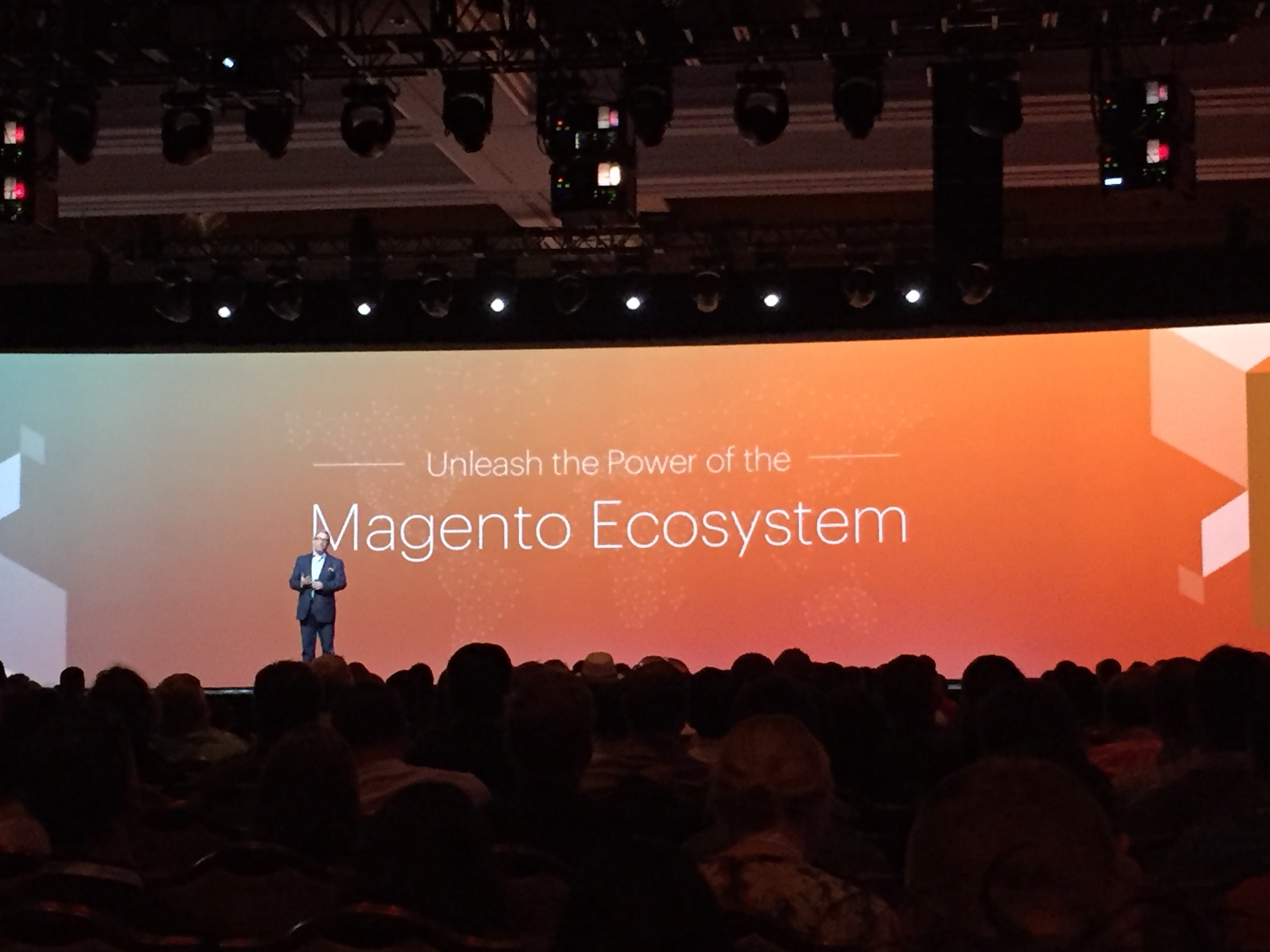
It’s been a long wait. But finally at Magento Imagine 2016 I felt like these guys actually ‘get it’. They understand what’s going on, the team at Magento Inc aren’t just hot air, they are real and they want US to succeed. Because they know our success enables their success.
Hallelujah.
So What Happened?
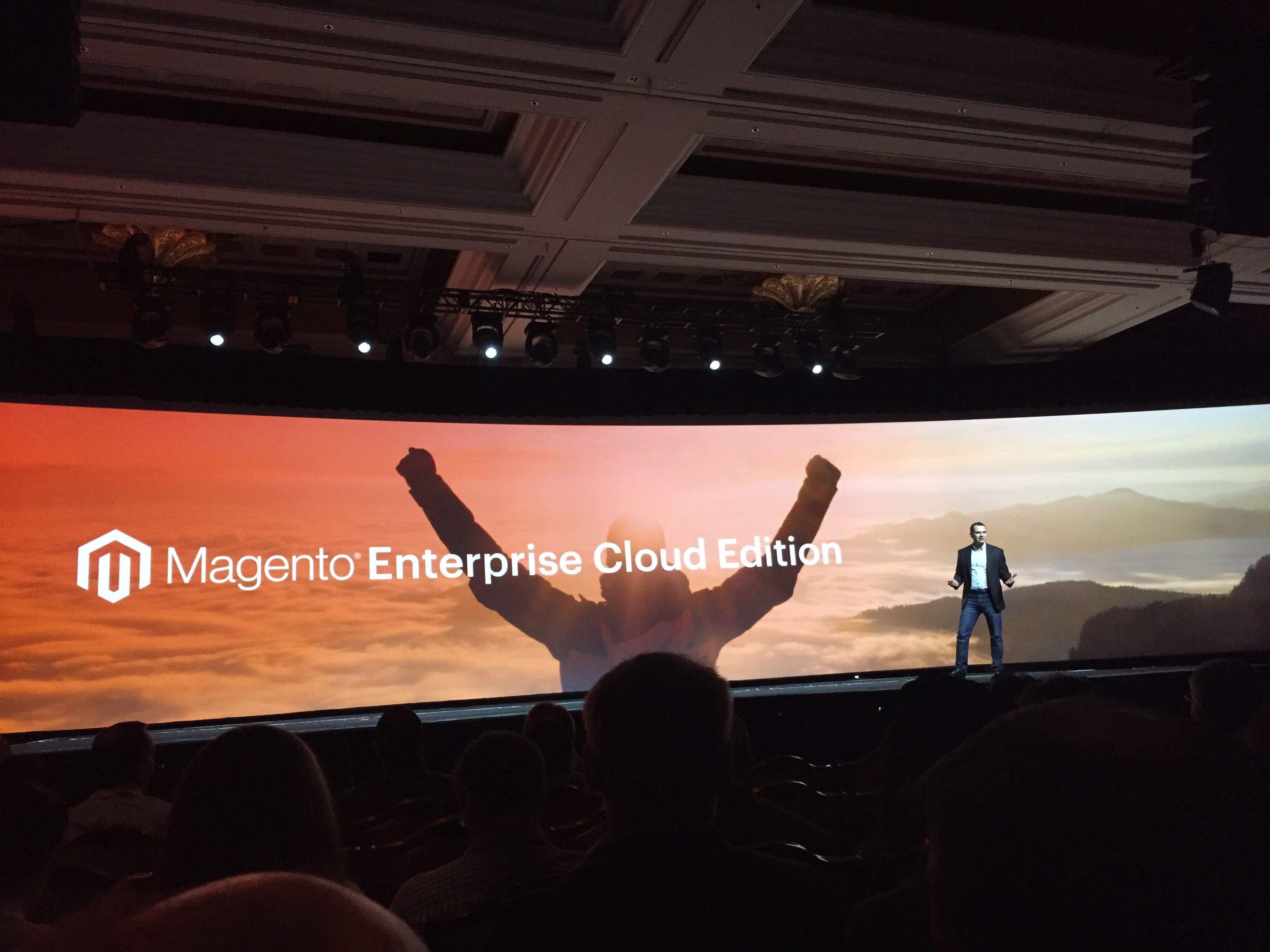
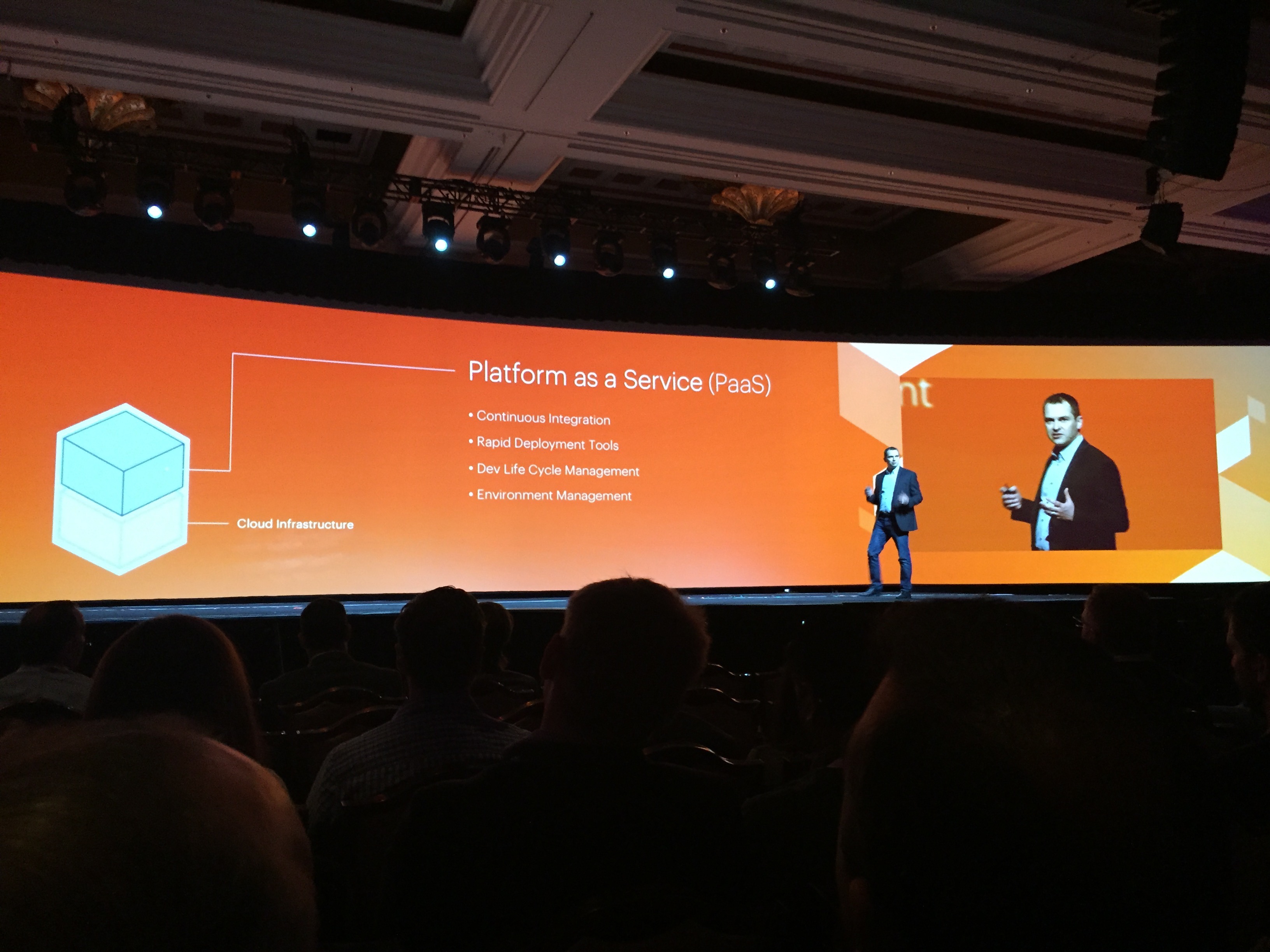
Well others will give the lowdown on the announcement side, there are a great many recaps so I won’t go into details. The most significant announcements I saw were around the new cloud offering, firstly aimed at Enterprise, but with a promise of a cloud offering for the SME merchant coming later this year. We aren’t talking SAAS here, this is not an attempt to take on Shopify, this is a solution where Magento will provide a turnkey PAAS offering to merchants to enable them to concentrate less on devops, less on infrastructure and have a reliable, scalable eCommerce platform where the merchant stays in control. This can only be good news.
 The big shift though was in the Magento Inc appreciation of what this ecosystem does, and the realisation on their side that together we are massively stronger, they need to engage us all, the merchants, the designers, the SIs, the technology partners, etc. Because as a unit we rock this space. I saw a humility in the likes of Mark Lavelle, an appreciation and an understanding that its been a rocky road under the eBay ownership, that this platform has been successful because of this ecosystem, and because of the passion that the many thousands of us have for both the community and the technology.
This is to be celebrated.
So let’s address some of the questions I’ve raised previously, and understand what it means for you, for me, for us.
Is Magento moving to Enterprise?
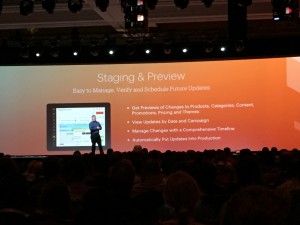
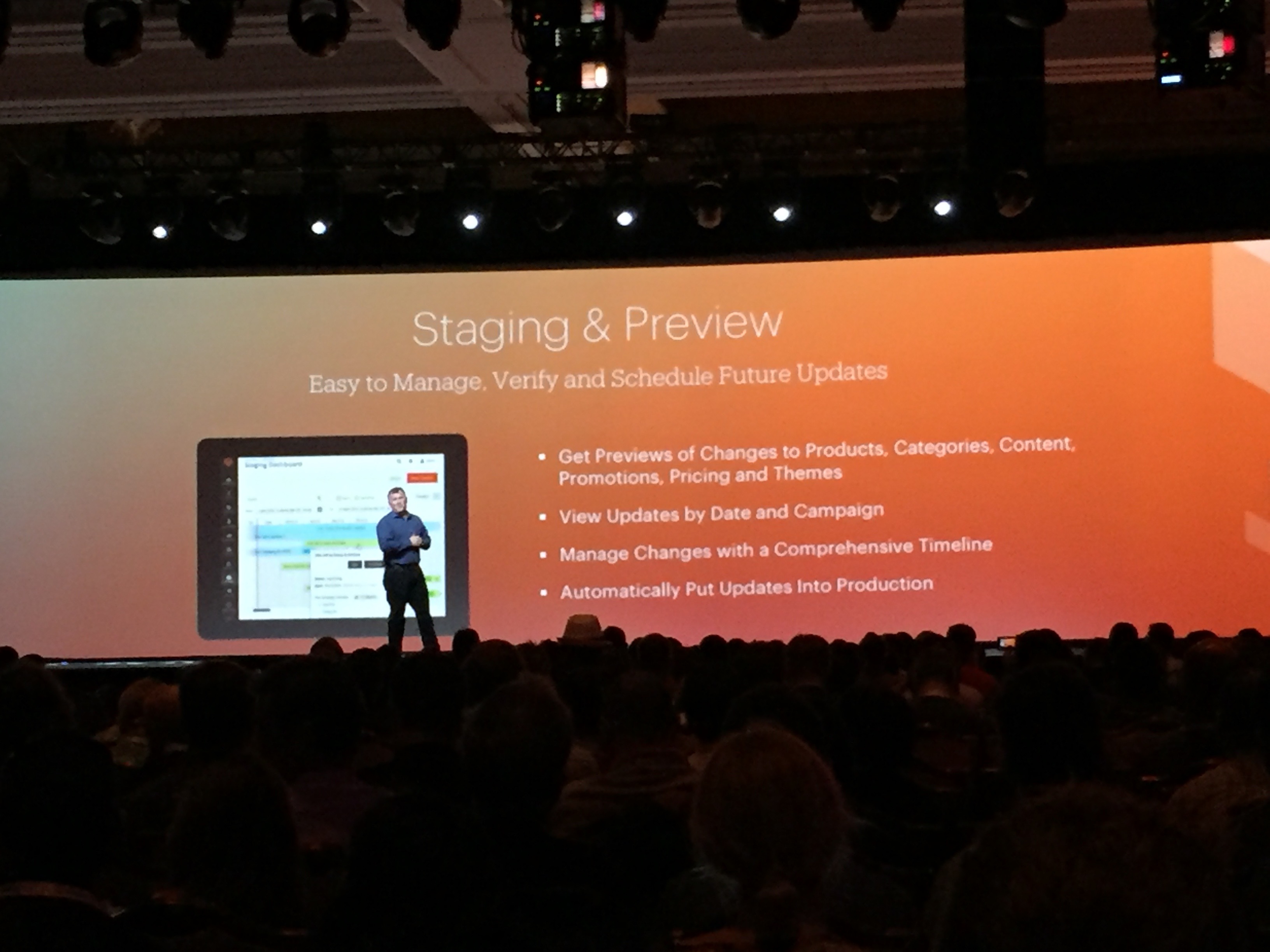
Magento has always had enterprise reach, and thats not changing. Yes, there are going to be tiers, and I’d expect greater distinction between Enterprise and Community editions. For instance the ability to have live/staging capabilities so you can test features before rolling live is an Enterprise feature. The new Order Management System at present seems like an Enterprise solution. So if you are a merchant with money to spend then you will see Enterprise really is where you need to be, its going to provide you with flexibility/extensibility and with greater in-built features than before.
But I sense Magento understand that they need to keep the CE version and the CE ecosystem, because this provides the lifeblood for many of us, and nurtures the next generation of Enterprise merchants. From the conversations I’ve had I believe they see that simplification of the platform for CE merchants is required, in order to reduce total cost of ownership, with the ability if/when you need to look below the hood and get the advanced capabilities as and when you need them. I’d expect in the coming months to see a big effort in this space on Magento 2.
Is this Ecosystem alive and well?
At the start of the conference there definitely was a bit of talk of things ‘drying up’. Hesitancy. But as the conference went on it was extremely clear this ecosystem is 110% alive, kicking and flourishing. On the ShipperHQ stand we had 3 staff, and at times we had a queue of people waiting to talk. Now maybe its because I have a great product and a great team but thats also an indicator to me that SIs and merchants want to engage with Magento. I had by far the busiest time at Imagine ever (and this is my 6th one). Literally even at 3 in the morning pretty drunk hanging out at a bar I’d have magento developers coming up and talking shop, it was crazy crazy. By Wednesday my brain was totally done with all the back-2-back meetings, the discussions, the massive input of information.
Yes its alive.
Whats the uptake on Magento 2?
As of Imagine there were around 800 live sites on Magento 2. So its moving. Could it be moving faster? Yes, but its moving. We at WebShopApps/ShipperHQ saw a spike in interest in March, it seems people are starting to say yep let’s do this, we trust whats happening here, and Imagine will only help solidify this, Magento did a good job in their breakout sessions of covering Magento 2 from both a business and a technical angle.
 I think also as technology partners look at Magento 2 now they see the opportunity, they see reasons to get on the platform, much more so than a few months back. I’d expect to see more extensions, more buzz and more innovative capabilities appearing soon on the new MarketPlace.
Is the MarketPlace Flushed out?
The new Marketplace was launched at Imagine. Its definitely still in it’s infancy. I’m part of this Marketplace Council which get’s together to talk about how to improve the Marketplace and make it a great place for merchants/SI’s to find and buy extensions. There are still some teething problems, but as I sat around the table with maybe 20 people in the room (half of them Magento) what I felt for the first time ever was that someone was really really listening, that they actually cared about getting this right. And it was more than money, it was an understanding that this affected us all, including merchants, when they got it wrong.
In the days since those meetings I’ve had follow up discussions with Magento, from my side I’m going to keep pushing to keep that quality bar high, and to ensure that from a business perspective the next generation of developer is given the opportunity I luckily had to get in the Magento ecosystem and make their mark. What interested me most in our discussions was when Mark Lenhard pointed out ‘We don’t want a cigar club for the boys’. For Magento to say this was significant. He get’s it. This marketplace always will have the big players, those that throw millions into marketing, the crazy companies reaching for the skies. But I feel like Magento will also support and nurture the players that add tremendous value, even if its just with 1 extension. And thats what we need.
I still feel like there is room for improvement with the marketplace, it needs to be financially viable, and I worry that some of the contracts really do not allow room for a developer/company to expand and keep adding value, its important that the prices rise in some instances, a race to the bottom will help no-one and personally I think providing quality extensions with real support is more important than having hundreds of rock-bottom low quality, low support extns that merchants struggle with. But give choice, thats what we need to do.
Is Magento 2 going to excite the next gen of Merchants?
 The announcements at Imagine were exciting. You saw a platform that seems to have room to grow, to mature, to innovate, to trailblaze. I think when you unwrap the layers there is work to be done, but I also think that this is a platform that has the basis to be a great choice for merchants in the future. You do not see the flexibility like it. We know from our own experience that Magento beats other platforms hands-down in the shipping capabilities it offers when teamed with ShipperHQ, we have customers and other platforms shocked when we show them what we are able to achieve. That’s Magento’s power.
But as with all things there are costs, Magento not always a plug-play and I know many of us would like to make it easier for merchants. This is a work in progress. But ‘We are Magento’, as long as magento is enabling us the ecosystem then we can help here. That’s also Magento’s power, and its extremely significant.
Should I move to Magento 2 or be looking at other platforms?
I speak to merchants daily, and this is a very common question I’m hearing from Magento 1.x clients. Magento 2 is a re-platform, Magento in many ways are starting again. But they are doing this in the knowledge of a great ecosystem, that if they engage will help make the jump from 1.x to 2.x so much simpler. Tools are already appearing, indeed WebShopApps is offering free migration services to all 1.x customers moving to ShipperHQ, Taxjar(great recap btw) is putting in free enhanced tax support as part of their Premier Partner deal, and I’d expect agencies to be offering good packages to customers to get them across.
1.x support is going to decline. Thats a fact. We are already recommending people move across to ShipperHQ as thats where we are building and innovating now. Tech Partners are not going to be investing in innovating on 1.x. But support will remain in place for sometime and for instance with us we are supporting both 1.x and 2.x fully on ShipperHQ so when you do move to 2.x the shipping side will be as simple as putting in a new extension – no re-configuration, just load it up and get on 2.x. With the move to 2.x you will see everything shift up a gear. That’s my feeling.
Not all merchants want to be trailblazers. Some do, good luck to them. Some want to have a stable business, keep their costs as low as they can, and be on the best platform for them. So they are facing decisions. Shopify and BigCommerce have enterprise offerings now, really aimed at the 1-20M revenue client. Should merchants consider? Well I’d say obviously you need to look at your options. I cannot dictate what you should do. For some merchants being on a pure SAAS play is simpler, you can reduce your costs greatly, but of course there is a price to pay in terms of reduced flexibility/extensibility.
You, the merchant have to consider your business and your needs. If you were excited by Magento in  2008-2010 I suspect that right now you may be wondering where the excitement is in Magento 2. But in a year from now I strongly suspect you will see it. Remember Magento 1.x had it’s problems, people found it hard, there were architectural issues, extension conflicts galore and upgrade after upgrade. But it smoothed out, and Magento 2 will do the same.
So I can’t advise, you have to decide. If you are unsure then make your evaluations and if necessary sit tight for a bit and see how this one pans out. Personally I’m pretty excited for the eCommerce space in general, I’m seeing massive collaboration of technology partners like never before, and a real opportunity now to give merchants seriously powerful technologies that are cohesive. Magento is helping to enable this, they are providing more of the glue where required, but also sitting back and collaborating where appropriate. If they keep their humility, the openness and their honesty I believe we have a pretty smart team there that can give merchants the next generation of Commerce. That’s an exciting prospect.
Time to be Humble Myself
 Lastly, I want to think Magento for listening. I’m often their harshest critic. I work with so many merchants and SI’s I see the pain when things are wrong and I get frustrated because this seems pretty simple to me to work out. I realise its not as simple as that, but I appreciate Magento for tackling the key problems, for their recognition of this space and their understanding of the impact of their decisions. Back in 2011/2012 I felt like we as a community were almost tossed aside during the sale to eBay, I felt we were pawns in a transaction, people didn’t seem to care about the investment we had all made. This has changed. And if Magento can keep caring, keep listening and keep innovating for all this ecosystem from large to small I think we have a good future ahead of us.
This isn’t 2008, its not 2012, its not eBay, it’s time to trust. I’m in.

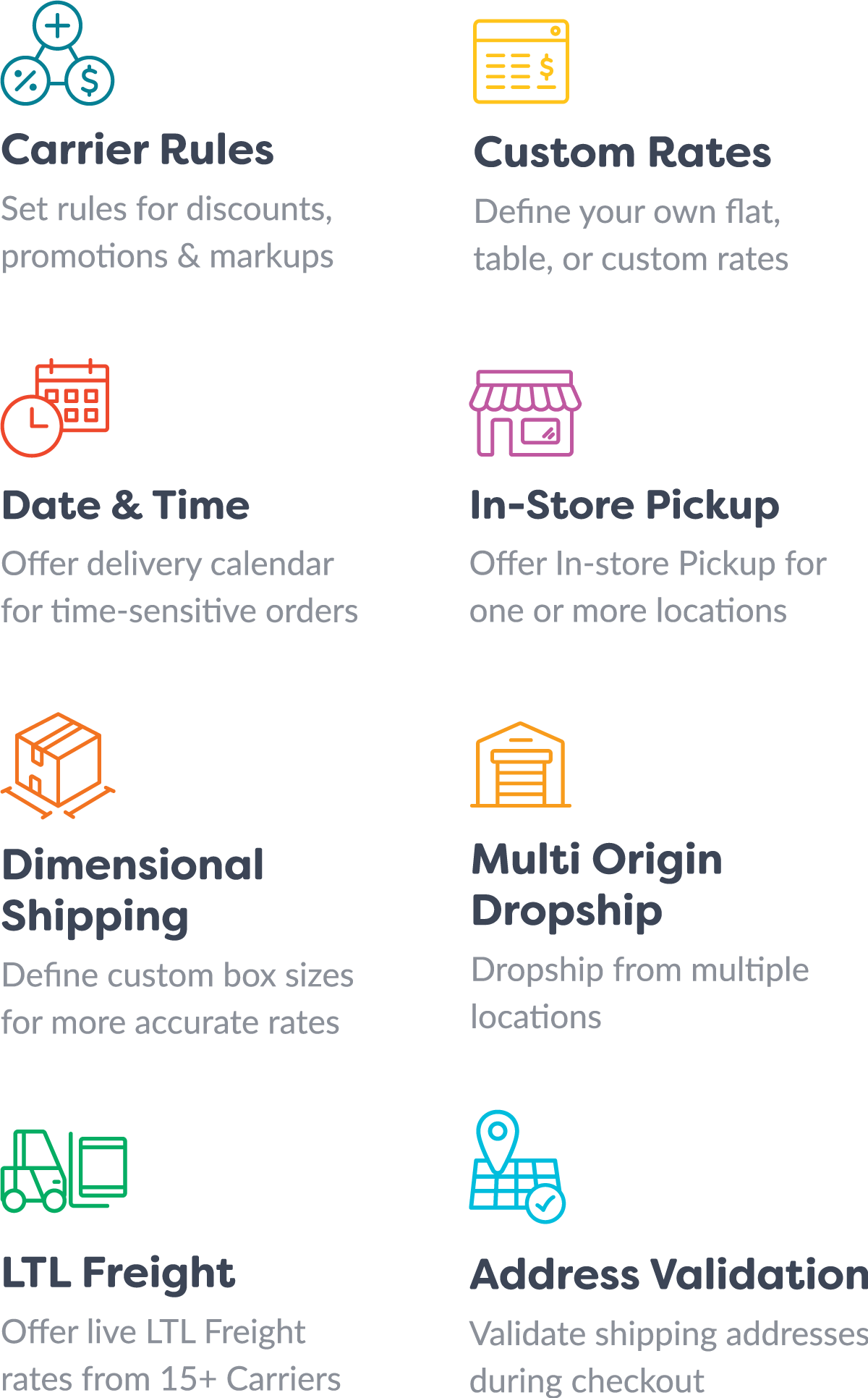

 We are so confident you will love ShipperHQ’s improved features when you migrate to ShipperHQ from any WebShopApps extension and we offer a free migration consultation with our shipping experts in the UK/US.


 Michael Bower (